|
The replace function requires communication with the Control program, which normally is established in the background.
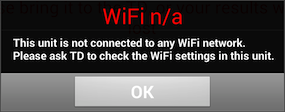
WiFi n/a
Check that the replacing tablet has connected to the SAME WiFi network as the BridgeTab that you are to replace uses; and that the signal is good.
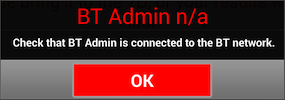
BT ADMIN n/a
Check that:
i. BT Admin is running
ii. The BridgeTab has connected to the IP that BT Admin shows, c.f. BT Admin’s IP.
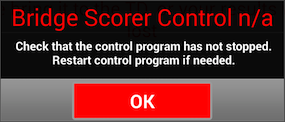
BSC n/a
There is a lot of data to exchange so it can be that the control software is busy.
PROBLEM PERSISTS
See the communication memo.
|