|
The deals (if available), scores and rankings can be published on automatically generated web pages. You can get an idea of how it looks if you study the example, or web publish the Demo event.
You will be prompted to buy a licence if you miss one.
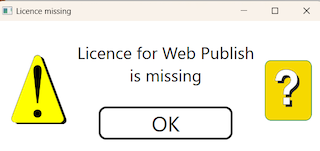
To get started you should get a free of charge Test licence.
It is not required, but possible, to get dedicated pages. How to set up that is explained on a separate page.
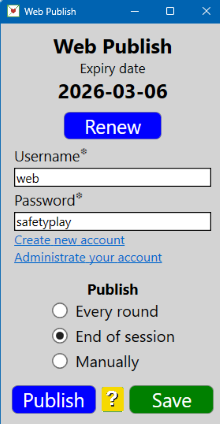
PUBLISH
Select Manually if the computer is not connected to internet or you want to avoid automatic publication.
You will be reminded that internet is required if you attempt to publish without connection.
Every round
Publication will take place Results will be web published as soon as all results from a round have been received.
End of session.
Results will be published when BTC is closed if all results have been received.
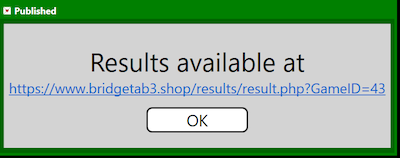
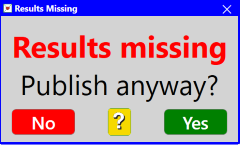
The dialog shown below is shown if you close BTC when results are missing.

|