|
|
|
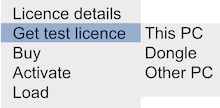
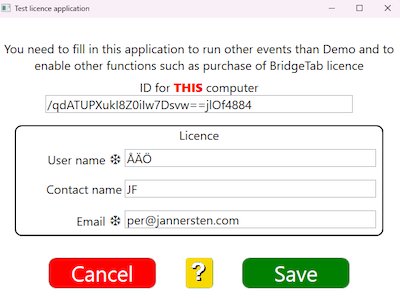
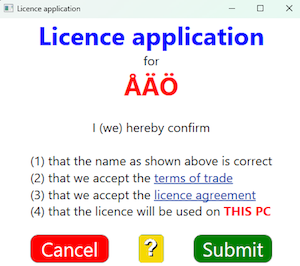
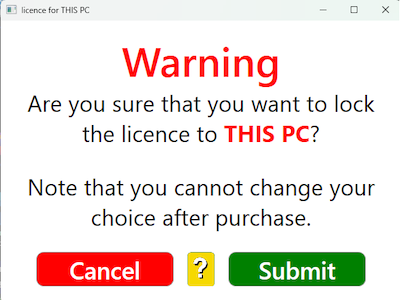
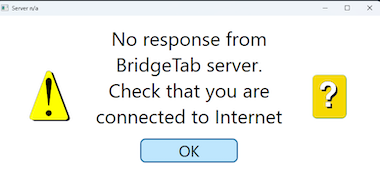
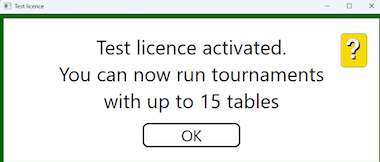
The recommendation is that you first run a desktop test with the Demo event. Then you should run some real games with a test licence before you commit to anything. You can get a free of charge licence (good for up to 15 tables) for either a BridgeTab dongle, or for your scoring computer. Select the preferred alternative in the licence menu: First you fill in club name and email address. Be careful to enter the desired club name that will appear on the tablets. The name in the newest licence will supersede the name in older licences. You will need to reconfirm that you want the licence for the entered club name and for the PC currently in use. You will need to check the connection before trying anew if you get this message: If all goes well you will at the end of the process see:
|
|
|
|