|
|
|
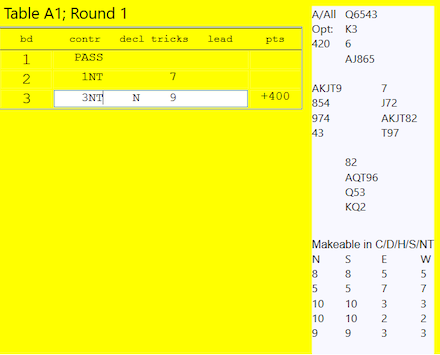
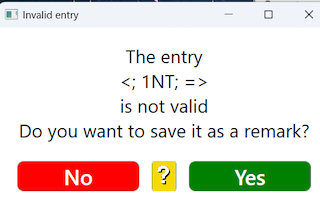
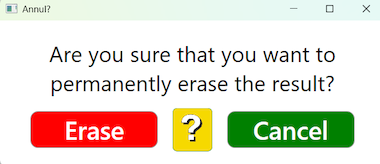
You can change results and enter rulings either at the table or on the PC. But please note that penalties and some special rulings have to be entered directly in the scoring program. How to change in the grid is explained here. How to change via the menu option View results is explained on a separate page. Click the cell in grid that you want to amend, or study, in detail. When you click on a result this will open a tooltip box: The deal, makable and the actual bidding that led to the result will appear, if the deals are available and the setting Ask for Bidding is enabled. You can use Windows’ standard methods (incl. Ctrl-A, Ctrl-V, etc) to enter missing results and to amend existing. Notice that there must be a space between the parameters (not tab). Your entry will be saved when you click outside the active text box. You will be warned if the entry does not follow the standard. You can use View & edit results if you have problems to get it right. Rulings Annul (remove) result
|
|
|
|