|
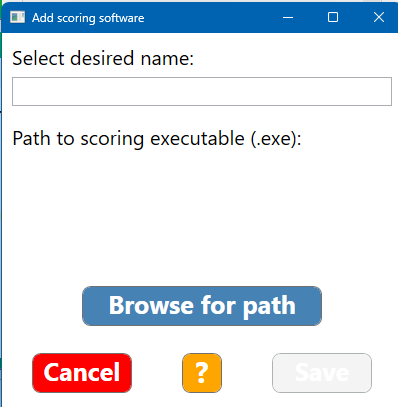
You can save your addition once you have entered a name and a path to it.
ASTERISK
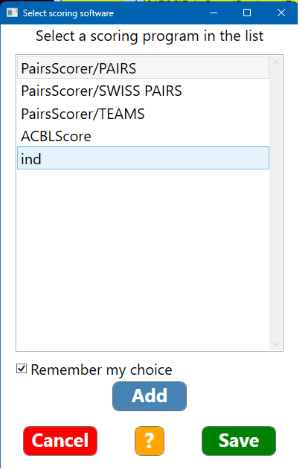
The asterisk indicates that the program is not ready to use. The scoring software must first of all be installed, then be set to launch the BridgeTab Control exe, if at all possible. (You will otherwise have to use the “Wait for scoring prgram” option.)
|