|
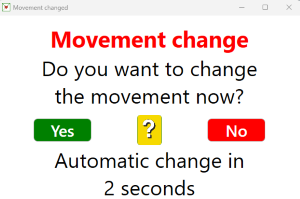
A movement change alert will appear when BTC detects that the scoring program has changed the movement. You should be quick to click the No button if you realise that you have made a mistake.
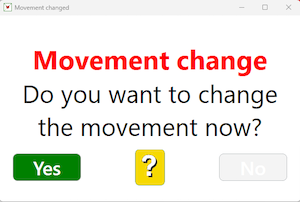
And you should also click No if you are in doubt because you can click Yes once you are sure. (The Yes button remains in view as shown to the right.)
COM not required
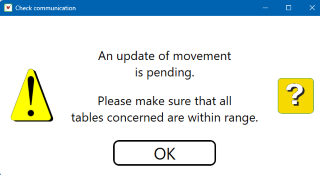
You are reminded that you will have to check yourself that all tables communicate if the COM required point (according to the Additional Settings) has been passed.

Click the CONTINUE button when you are sure that all tables communicate as they should.

|