|
The source file must be a comma separated file containing ID, first name(s), last name(s). For example
2345, Walt, DISNEY
2346, Hèlene, FRÖBERG
2347, Jean-Claude Eric, ELTON-JONES Jr
etc.
Comma separated text files are accepted but the source file should preferably be in Unicode (UTF8) to permit “odd” characters.
The ID can be up to 12 digits and the player name can be of any length. You can select in what order you want the names to appear. This is done in the Name preferences dialog that you find in the Settings menu.
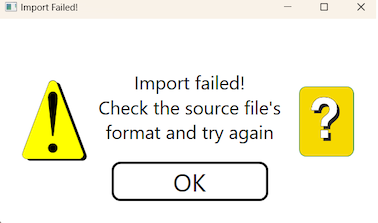
Import failed
If you get the message that the import failed it is most probably because the source file is not correctly formatted.
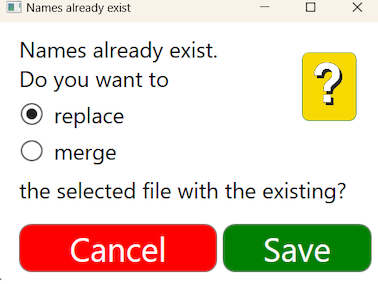
Merge or replace?
The recommendation is to load your internal list of names and merge it with the bridge federation’s (league’s) list of names, if you permit guests to play in your club.
Wait for success
You should wait for the self closing success message to appear.
FUTURE STARTS
The imported names will be available at every future start. You can remove the names.utf8 file that you find in C:\BOS\BTC\names folder and load names from scratch, if you mess up the names on file.

|