|
|
|
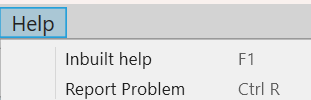
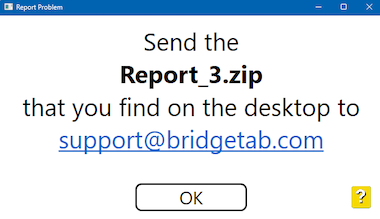
INBUILT HELP A click on the (green) List all help pages button at the bottom of any help page will display a list of all pages belonging to the control software. You can click this link if you want to look up the tablet’s help (=what you get to when you click the ? button on a BridgeTab). Note that the search tool in the footer of the help pages requires internet connection. REPORT PROBLEM You will need to search the solution to your problem (the answer to your question) in the inbuilt help if you do not have Standard support.
|
|
|
|