|
Deactivate licence can be used when you want to (re)move licence(s). Note that your licence(s) will be void and cannot be reinstated once deactivated. You are advised to contact support BEFORE you deactivate your licence(s).
Deactivating PC licence
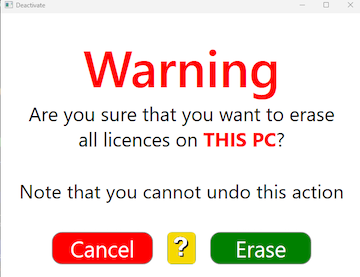
Type Alt-Ctrl-shift-U and click Erase in the subsequent warning message.
Deactivating dongle licence
Type Alt-Ctrl-shift-X and click Erase in the subsequent warning message.
Refund
You can get a refund of the remaining value, but please note that this is a slow, manual process that attracts a service fee of US $50. To get a refund you must send the deactivating code to support@bridgetab.com.

|

