 |
|
|
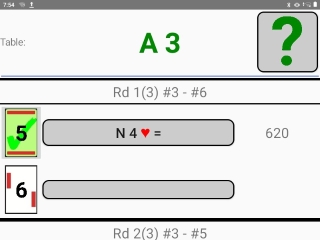
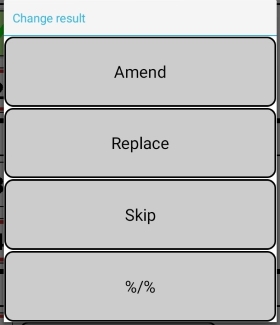
Board icon shaded in green indicates that the result has been sent to the control program. You can click on the result entry (the oblong button) that you want to change. The button leads to a sub-screen where you can choose what you want to do. Amend = Small change of e.g. tricks. Use the (red) back arrow (in the lower left corner of the screen) to go back to the main [TD] menu.
|

|
|
|
|
 |
|||
 |
|||