|
SKIP DEAL
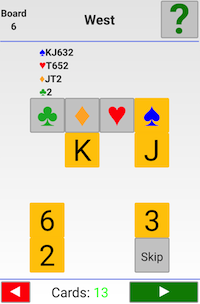
You can use the Skip button if you for some reason do not want to enter the deal.
ENTERING DEALS
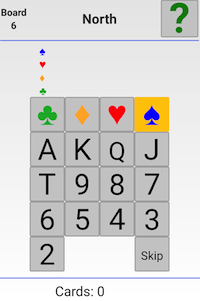
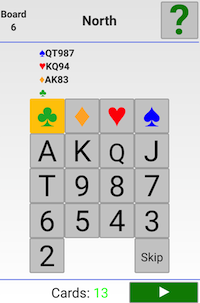
The enter deal function is intuitive. You start with North’s 13 cards; first the suit and then the ranks of the cards.
TYPICAL ERRORS
The program will help you to spot and correct the usual mistakes.
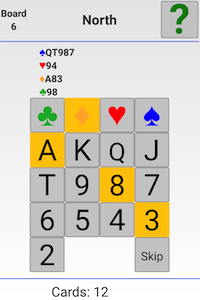
Too few cards
It is not possible to enter a hand with fewer than 13 cards (you will find no forward button).
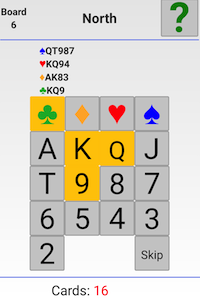
Too many cards
The forward button will also disappear if you make the mistake to enter more than 13 cards. De-select cards that you want to remove.
Wrong cards
You will be helped by the fact that cards are removed from the deck once they have been entered. This means that there will always be 13 cards left for the last hand. You are advised to check that the West hand has got the correct cards before you press the forward button.
You have to go back to the previous hands if the last hand would not contain the right cards. That is to say, you should first use the back arrow and replace the card(s) that does not belong in the previously entered hand(s). Then you should re-check West’s hand before confirming the deal with a click on the forward arrow.
Correcting deals
You can correct a faulty (or fouled) deal by using the Edit mode in DupSoft.

|